
Not long ago, turning a single image into a moving video clip would have sounded like something out of a sci-fi movie; however, AI has made it possible. With just one image, these AI tools can now generate videos with cinematic effects and remarkable realism. The technology has evolved so quickly that anyone, anywhere, can now create short clips of their images for free. So, when it comes to AI tools for converting images in 2025, there is certainly no shortage of options.
In this article, we will review the best free AI tools in 2025, how they compare (i.e., in terms of quality, realism, or speed), which tool works best for some use cases, and why Pixwith.AI is emerging as a standout choice.
Overview of AI Image-to-Video Converters
Generally, AI tools made for converting images to videos are based on an algorithm that analyzes the bodily features of the subject, the elements in the picture, predicts the subject’s movements to match the scenery, and animates them into short clips. In simple terms, these tools bring static images to life.
How it works
The algorithm uses advanced neural networks to analyze factors such as depth, shadows, and contours. Then it predicts how each element would move in real life. Therefore, the animation is based on what is already in the image. For instance, you upload a simple photo of a sunrise, but within a few seconds, the sky begins to change colors, the clouds move, and the waves roll as in a live recording?! That is what this technology and its resulting tools can do.
Although most tools use motion synthesis or depth mapping underneath, there is no need for you to know the technical side or aspect of it. The interface usually works as simply as:
- Upload an image.
- Choose a motion style or camera effect.
- Let the AI tool generate your video in a few seconds.
For creators, marketers, small businesses, and even online educators, this means less time capturing and editing for social media reels, marketing campaigns, and promotional videos, product and service advertisements, or storytelling and concept visualization for a more interactive learning experience. All for free!
What Defines a Good Image-to-Video AI Converter Tool
With dozens of AI tools on the market, finding the right one for your needs can be a hassle. Therefore, knowing where to look and what to look out for is just as important. Here are a few things to keep an eye on:
Ease of Use
Most of the time, the best tools are often those that are easy to use (e.g., drag-and-drop) or those with intuitive interfaces that make uploads, previews, and edits simple.
Output Quality and Realism
A good tool will definitely deliver consistent results. Observe the smoothness of the transitions, the depth of realism, and how stable the motion of the animation is. These are very important factors, especially if you intend to share or use them on a professional scale.
Customization Options
A tool that offers customization will be superior to others in its category. Some users prefer having control over motion, background, or transition speed, but others don’t. Nevertheless, some converters are flexible, and they let users tweak and personalize their videos freely or stick to the templates.
Watermark Policies
Most free tools are known to pose limitations and restrictions in some aspect. A good free tool, however, will offer limited watermark-free exports and worthwhile features.
Privacy and Licensing
Reputable AI tools are transparent about ownership, commercial rights, and privacy. Avoid tools with no clear deletion policies, or those that save and use personal data for training.
Best Free AI Tools for Converting Images to Video in 2025
In just a few years, the advent of AI converters transformed video generation as we know it. However, there are questions of: which of the modern AI editing tools out there is worthwhile and delivers? So, we will take a look at some standout AI converters of 2025 and point out their unique strengths.
1. Pixwith.AI
Pixwith.AI is user-friendly and is one of the most accessible AI image-to-video converters. Once you upload an image and select a motion style, the tool converts it within seconds.

What sets Pixwith.AI apart is its quality and simplicity. It thoroughly analyzes the uploaded image to create natural camera movements that feel like real-life transitions. It is well-rounded in functionality, and its interface is equally remarkable. Furthermore, there is no risk of security breach or data misuse, as stated in their privacy policy.
2. Runway ML
Runway ML remains a favorite among creative professionals and AI enthusiasts. Mostly because its image-to-video feature runs on Gen-2 technology, which is capable of producing advanced motion effects that follow camera paths. A tool of its calibre is ideal for storytelling or ad concepts.
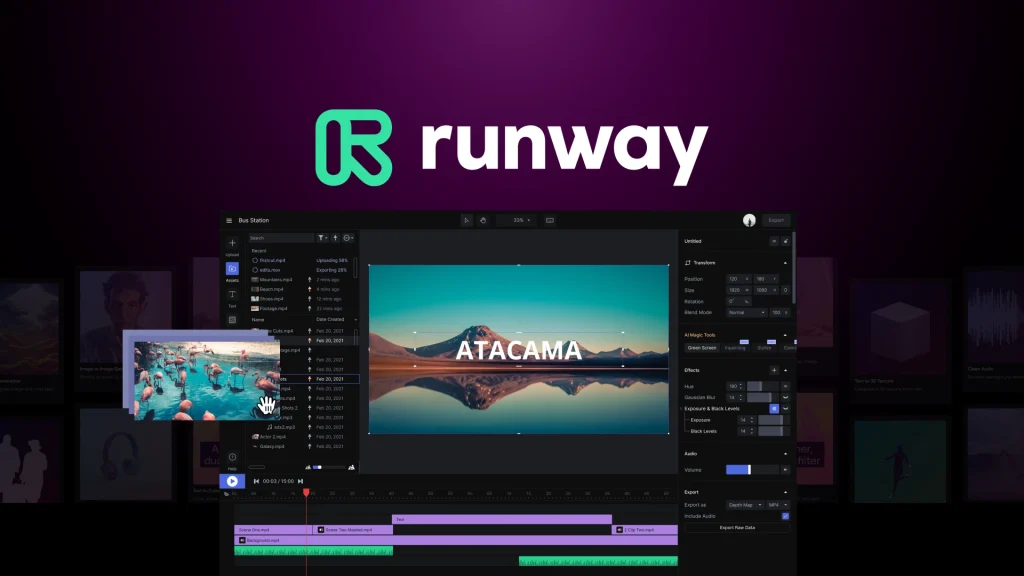
In addition, Runway offers customization and controls that are best suited for users who want professional-grade results and don’t mind exploring a slightly steeper learning curve. Users can test its capabilities with its limited free tier before upgrading.
3. Pika Labs
Pika Labs is renowned for creativity. Small businesses, marketers, and social media creators commend how easy it is to upload images and instantly generate animated clips, tweak camera angles, and adjust motion style. It ranks as one of the best for your short-form content and marketing visuals.
What makes it especially appealing is its quality, subtle motion blur, and perspective shifts, which give an immersive and dramatic feel.
4. Kaiber AI
Kaiber AI focuses more on artistic transformations, should you ever want your videos to feel more like animations than real footage. Just upload your photo, choose a style or mood, and Kaiber’s AI converts it into a beautiful motion sequence.
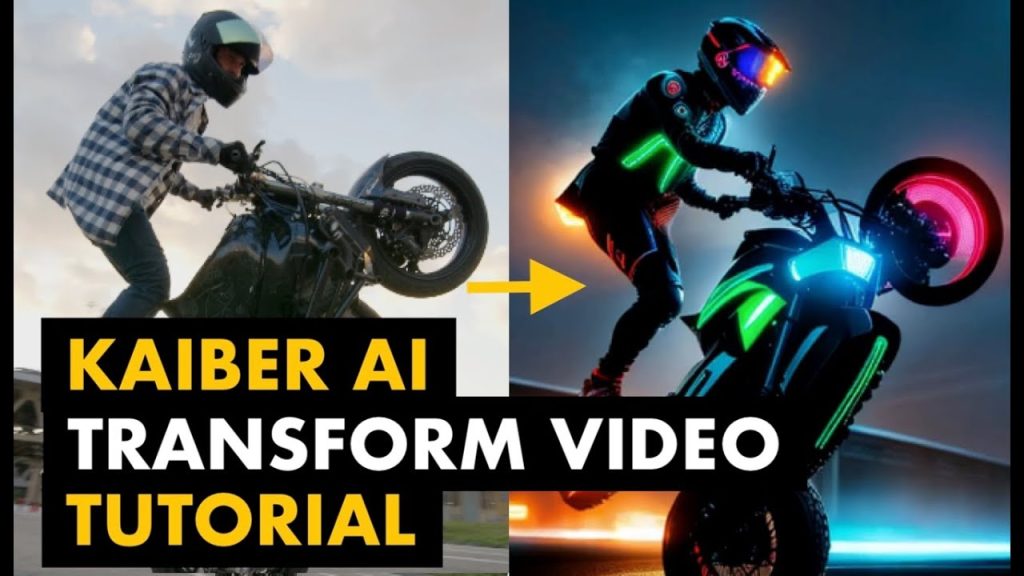
Its artistry is commendable. A tool of its standard is rated by users who value artistry and aesthetics over realism.
5. Animoto
Animoto is one of the best free image-to-video converters in the market. It is easy to use.
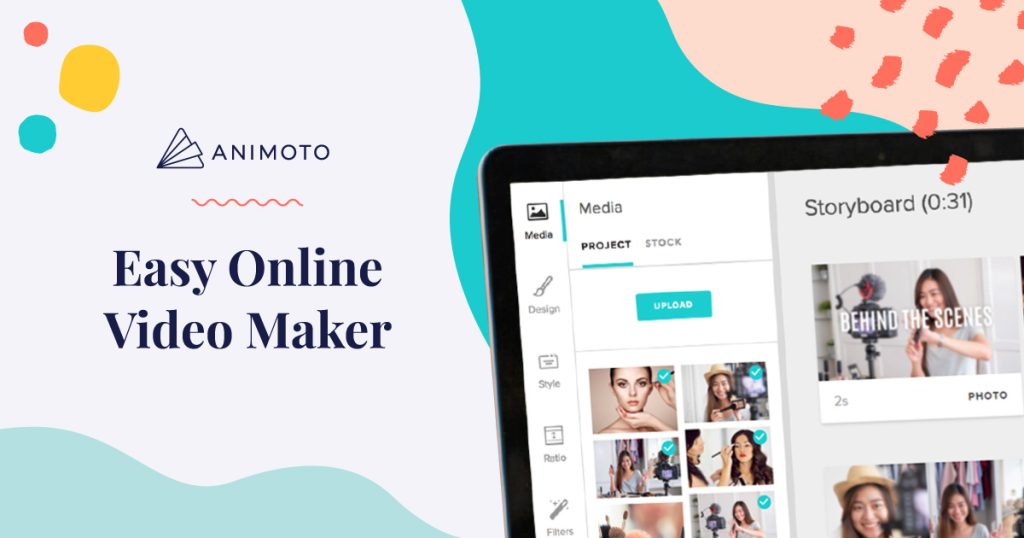
Though its AI is not as profound as that of Pixwith.AI or Runway, Animoto’s strength lies in ease, speed, and accessibility, especially for those who intend to create product videos, slideshows, or social media campaigns for businesses or brands.
Choosing the Right AI Image-to-Video Tool for Your Needs
With so many impressive options available in 2025, the best AI image-to-video converter for you depends on intent (i.e., what you want to use the tool for), arguably. Each tool brings a different strength to the table, but their approach and execution models vary. Here’s how they line up when matched to common needs.
For Creators
For creators and storytellers whose focus is on creating content for YouTube, short films, or storytelling projects, Runway ML and Pika Labs are your best bets. Runway ML is arguably the best at control over motion effects and scene depth. Pika Labs, on the other hand, offers a similar quality, but it has a simpler interface. So, it’s a middle ground for creators.
For Marketers and Small Businesses
Pixwith.AI and Animoto are expressly for marketers, business owners, and freelancers. Pixwith.AI can easily handle instant image-to-video conversions for ads, social media posts, or brand intros. Animoto, on the other hand, comes with pre-installed templates, and there are options to add logos, music, and text overlays effortlessly on the interface. These free tools can minimize costs for startup businesses.
For Artists and Designers
For those who value the artistic nature of image-to-video converters, Kaiber AI clearly takes the lead on this one. With Kaiber, you can explore or add moods, styles, and visual effects to your simple images to make the resulting reels, albums, and loops more expressive.
For Educational Purposes
Pixwith.AI can also serve educational purposes. Educators can always use it to animate abstract concepts or simplify sophisticated topics into an interactive illustration that students can understand easily and relate to.
For Everyday Users
For casual users who are curious about AI image-to-video converters, there is no better AI tool to start with than Pixwith.AI. Its simplified approach makes for easy upload and instant movement generation. That’s what makes it perfect for beginners.
Privacy Concerns and Limitations
Like all AI tools, users are often concerned about privacy, usually because a personal item is involved. Many tools process uploads in the cloud, which means your personal images are temporarily stored on remote servers. Therefore, one must review each platform’s privacy policy and data retention terms to be on the safer side.
In addition, it is imperative to know that AI tools are still far from perfect, and that some may struggle with motion glitches or lighting inconsistencies.
The Future of AI Image-to-Video Conversion
If the past few years prove anything, it is that AI editing and conversion tools are improving and getting more expressive. It all began as a sort of experiment; however, it has become a tool that everyone across all sectors can use, personally or professionally.
In 2025, we are seeing significant improvements such as more intuitive interfaces, faster rendering speeds, AI models that understand intent, and prompt-controlled tools that interpret context, amongst others. And as we move forward, we can only expect it to get better, maybe even smoother transitions, facial gestures, and more like it.
With AI tools like Pixwith.AI in play, the future looks promising.
Final Thoughts
As of 2025, AI editing and conversion tools have reached a new all-time high, and AI image-to-video converters can animate still images into videos faster, better, and for free!